
Logistics · Implementation guide
Start with failed delivery.
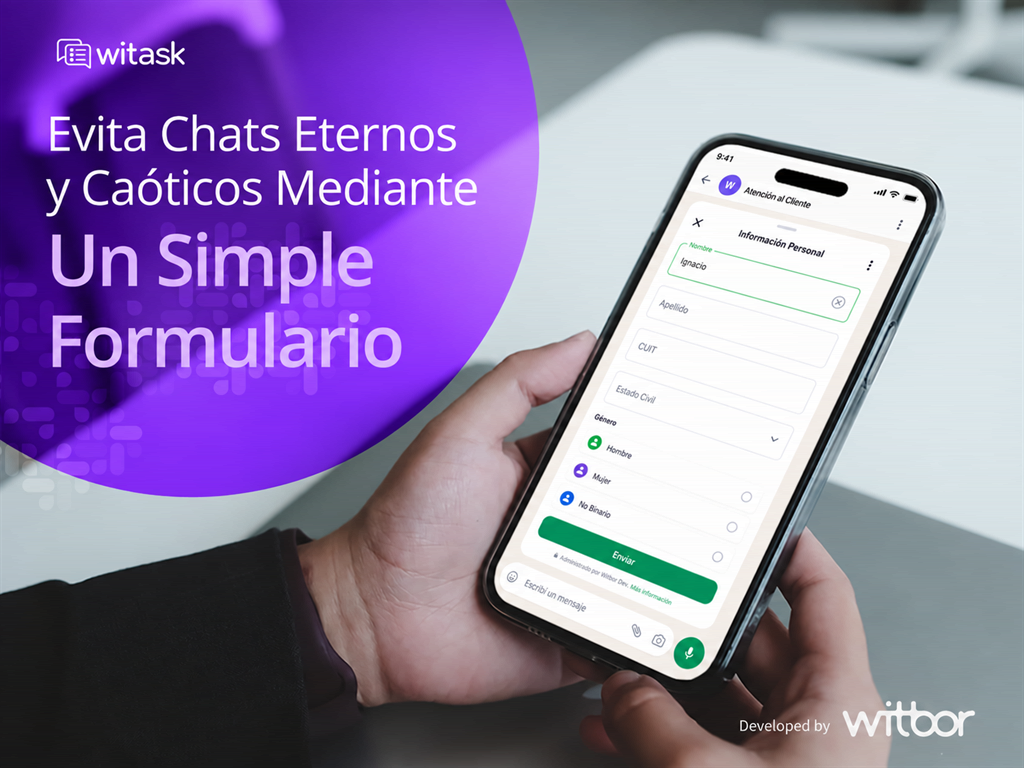
Identifying a shipment and obtaining evidence can take several exchanges. Turn that first exchange into a short form with questions that help your team decide what to do next.
Receive shipment details, photos, and the reason for a claim on WhatsApp to support the next step. The form gathers context; your team still evaluates and resolves the request.
How the workflow works
- Identify the request. The customer starts the conversation and your team shares the form for failed delivery.
- Gather context. Ask for only the information needed to proceed, with clear options and fields linked to Zendesk.
- Continue support. With the answers in the ticket, the agent reviews the information and decides on the next step. Assignment rules depend on your Zendesk setup.
Adapt it to your operation
Before creating the form, decide what your team needs to act and what can wait. A short workflow is easier to complete and maintain.
- Questions: use terms and options your customer recognizes. Ask only for information needed for this request.
- Zendesk fields: decide where each answer should be stored so the agent can find the context without copying it manually.
- Variants: you can adapt the structure for damaged package, destination change, scheduled pickup. Adjust the questions for each workflow.
- Test: fill out the form as a customer, review the resulting ticket, and make sure your team can continue without asking the same questions again.